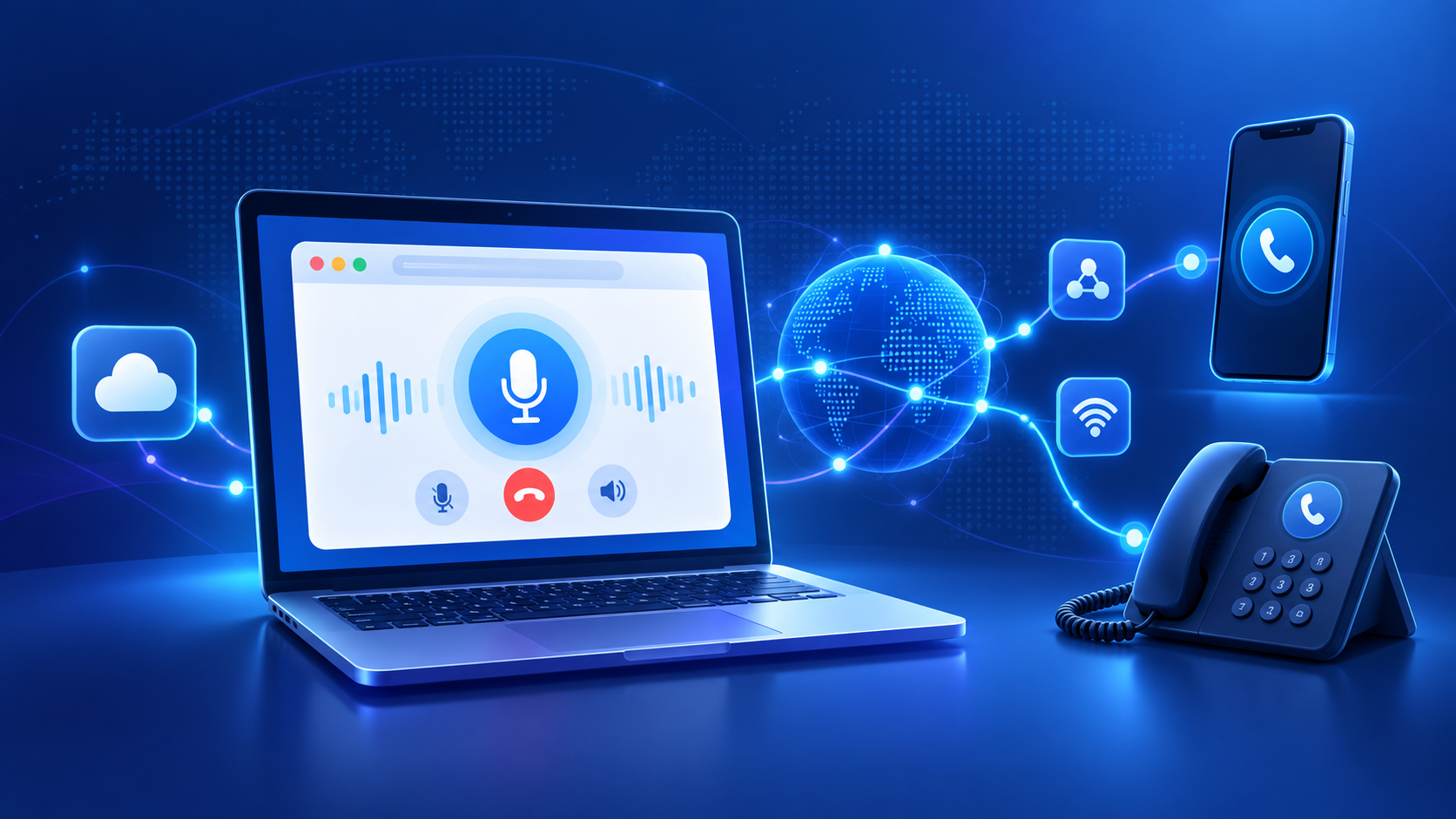
A phone call no longer has to begin with a mobile phone, desk phone, or installed calling application.
Modern web browsers can handle real-time audio, which means a calling service can let you speak through the microphone and speakers already connected to your computer while the call itself is managed over the internet.
That sounds simple from the user's side: open a website, allow microphone access, enter a number, and start talking.
Behind that button, however, several different technologies may be working together.
Understanding those pieces helps explain what browser calling actually is, how it differs from traditional phone calls, why services use technologies such as WebRTC and VoIP, and how a call started in a browser can eventually reach an ordinary mobile or landline.
What is browser calling?
Browser calling means making or receiving a voice call through a web application rather than depending on a conventional telephone handset or a separately installed softphone application.
A browser effectively becomes the calling interface.
Depending on the service, you may be able to:
- use your computer's microphone and speakers or a headset;
- enter a phone number through an online dialer;
- make or receive calls;
- mute or control an active call;
- access contacts or call history;
- and communicate without installing a dedicated desktop application.
The underlying technology is usually based on Voice over Internet Protocol (VoIP) together with browser technologies such as WebRTC.
WebRTC is standardized by the W3C as a set of browser APIs for sending and receiving real-time media and application data between compatible browsers or devices. MDN's WebRTC documentation also explains that WebRTC enables web applications to capture and exchange audio, video, and data without requiring traditional browser plug-ins.
That does not mean every browser calling service works in exactly the same way. The browser may handle the user's audio, while cloud infrastructure, telephony providers, signaling servers, and traditional telephone networks handle other parts of the connection.
Browser calling, VoIP, and WebRTC are related—but they are not the same thing
These terms are often used interchangeably, but they describe different parts of the system.
VoIP
Voice over Internet Protocol, or VoIP, is the broader concept of transmitting voice using internet-based networks instead of relying exclusively on traditional telephone lines.
VoIP can power:
- desktop softphones;
- mobile calling applications;
- IP desk phones;
- browser phones;
- contact-center systems;
- and many other communication products.
Browser calling is therefore one way of delivering a VoIP experience.
WebRTC
WebRTC, short for Web Real-Time Communication, provides browser technology for handling real-time media such as microphone audio.
WebRTC is particularly important for browser calling because it allows the browser itself to participate in a real-time audio session.
Web phone
A web phone or browser-based softphone is the actual user-facing application built using these technologies.
In simple terms:
VoIP is the broader internet-calling concept. WebRTC helps the browser handle real-time communication. A web phone is the interface the person actually uses.
How does a browser phone call work?
The exact architecture depends on the provider, but a typical browser call can be understood in several stages.
1. You open the web calling application
The first step is loading the calling service in a compatible browser.
Unlike a traditional desktop softphone, a browser-based service may not require you to install another application.
The website supplies the calling interface: dialpad, call button, contact information, mute controls, and other features.
But opening the page alone does not give the website unrestricted access to your microphone.
2. The browser asks for microphone permission
To transmit your voice, the web application needs access to an audio input device.
Modern browsers control this through their media permissions system.
When a website requests microphone access, the browser asks the user to approve it. According to MDN's getUserMedia() documentation, access to microphone or camera input requires user permission and is restricted to secure contexts such as HTTPS.
This is why a browser calling service may show a microphone permission request before your first call.
If permission is blocked, the service cannot capture your voice from that microphone until access is allowed.
3. Your microphone audio becomes a digital media stream
Once permission is granted, the browser can capture audio from your microphone.
Your spoken voice is represented digitally and prepared for real-time transmission.
From the user's perspective, this happens almost instantly.
Instead of your voice traveling as an analog signal over a conventional telephone cable, audio is carried through digital networking technologies.
4. The calling service establishes the connection
Before two endpoints can exchange WebRTC media, they need information about how to reach one another.
This involves signaling.
WebRTC does not define one mandatory signaling system. The official WebRTC peer-connection guide explains that applications exchange the information needed to establish a connection through a separate signaling mechanism, often using an HTTP-based web API or another application-specific method.
The service can therefore use its backend infrastructure to authenticate the user, authorize the call, determine where it should go, and coordinate connection setup.
5. WebRTC determines how the media can travel
Internet devices are often located behind routers, firewalls, and Network Address Translation, usually called NAT.
That can make establishing real-time connections more complicated.
WebRTC uses ICE, or Interactive Connectivity Establishment, to discover a suitable connection path.
Two other terms you may encounter are:
- STUN, which helps endpoints discover networking information needed for connectivity;
- TURN, which can relay traffic when a suitable direct connection cannot be established.
The WebRTC peer-connection documentation describes how ICE works with STUN and TURN servers to gather connectivity candidates for a peer connection.
Users do not normally need to configure any of this themselves. It happens behind the calling interface.
How does a browser call reach a normal phone?
This is one of the most important distinctions in browser calling.
A browser-to-browser call and a browser-to-telephone call are not necessarily the same architecture.
If both participants are using compatible internet communication systems, media can potentially remain within an internet-based calling environment.
But what happens if you enter an ordinary mobile or landline number?
Something has to connect the internet-based portion of the call with the telephone network.
A telephony provider or communications platform can perform that bridge.
For example, Twilio's Voice JavaScript SDK documentation explains a browser-calling architecture in which the browser establishes an audio connection to Twilio, while Twilio processes the call instructions and handles the telephony side.
A simplified browser-to-phone path therefore looks like this:
Your microphone → browser → internet/WebRTC connection → voice platform or telephony infrastructure → telephone network → recipient's phone
The person receiving the call does not necessarily need to be using a browser calling application themselves.
Whether calls can reach a particular country, mobile network, landline, toll-free number, or other destination depends on the calling provider and applicable telecommunications rules.
What is the PSTN?
When discussing internet-to-phone calls, you'll often encounter another acronym: PSTN.
PSTN stands for Public Switched Telephone Network.
It is the traditional network infrastructure used to connect telephone numbers and telephone networks.
A browser calling service that supports regular phone numbers may therefore combine two worlds:
Internet communication on the caller's side and traditional telephony connectivity on the destination side.
That distinction is why calling an ordinary telephone number is more complicated than simply sending audio from one browser directly to another.
Does browser calling require a SIM card?
Not necessarily.
A browser itself does not need a SIM card to capture microphone audio and communicate over the internet.
If the calling provider allows outbound calling using its own telephony infrastructure, a user may be able to initiate calls from a laptop or desktop that has no cellular modem at all.
What you normally do need is:
- an internet connection;
- a supported browser;
- permission to use the microphone;
- working speakers, earphones, or a headset;
- and an account or calling service capable of connecting the destination you want to reach.
Whether you need to purchase or verify a telephone number depends on the provider and use case.
For example, making outbound calls and receiving inbound calls can have different numbering requirements.
Are browser calls encrypted?
WebRTC includes mandatory security requirements for its media transport.
The IETF's WebRTC Security Architecture, RFC 8827, requires WebRTC media channels to use secure real-time media transport rather than plain, unencrypted RTP.
However, saying "WebRTC uses encrypted media" is not the same as saying "every part of every calling service is end-to-end encrypted."
When a browser call is connected to the conventional telephone network, additional infrastructure is involved beyond the WebRTC segment.
Security therefore depends on the complete architecture of the provider, not simply on the fact that WebRTC is being used.
When evaluating a calling service, it is sensible to check its security documentation, privacy policy, data handling practices, and any recording or retention features it provides.
What affects browser-call quality?
Having enough headline internet speed does not automatically guarantee a perfect voice call.
Real-time audio is sensitive to network conditions.
Several factors can affect the experience.
Latency
Latency is the delay between one person speaking and the other person hearing it.
Very high latency can make conversations feel unnatural because people begin talking over one another.
Jitter
Network packets do not always arrive at perfectly regular intervals.
Variation in arrival timing is called jitter.
Real-time communication systems compensate for some jitter, but severe instability can still affect audio.
Packet loss
If parts of the audio data fail to arrive, users may hear gaps, distortion, or broken speech.
Wi-Fi quality
A fast internet subscription does not guarantee a strong connection between your laptop and your Wi-Fi router.
Distance, congestion, interference, and poor signal strength can all affect real-time calls.
Audio hardware
A poor microphone or speakers can make a technically healthy connection sound bad.
For frequent calling, a headset can also reduce echo and background noise.
Firewalls and network policies
Corporate or restricted networks may interfere with some types of real-time traffic.
TURN infrastructure and appropriate network configuration can help calling platforms operate in more difficult networking environments.
Browser calling versus a traditional phone call
The biggest difference is where the calling interface and the first part of the connection live.
With a conventional mobile call, your phone communicates through your cellular carrier.
With browser calling, your browser captures your audio and the internet carries the initial communication to the calling platform.
That can provide several practical advantages:
- no dedicated desk phone is necessarily required;
- calls can be integrated into websites and business applications;
- users can work from different computers;
- calling interfaces can integrate with contacts and software workflows;
- and software updates can be delivered through the web application.
Traditional telephony still plays an important role whenever the browser-based service needs to reach ordinary telephone numbers.
Browser calling does not eliminate the phone network. In many cases, it simply changes how the caller enters it.
Browser calling versus a desktop calling app
Browser phones and installed softphones can provide many of the same capabilities, but the delivery model is different.
A browser solution may be convenient because there is no separate application to install or update.
An installed desktop or mobile application, however, can sometimes offer tighter operating-system integration, more reliable background behavior, or other device-specific capabilities.
For example, Twilio's browser SDK documentation notes limitations around maintaining call connectivity in mobile browsers while the browser is in the background, which is one reason native mobile SDKs remain useful for some mobile calling applications.
So browser-based does not automatically mean better for every situation.
The right approach depends on whether convenience, mobility, background operation, integrations, device control, or another requirement matters most.
Common uses for browser-based calling
Browser calling can be useful anywhere voice communication needs to be integrated into a web workflow.
Typical examples include:
Remote work
A team member can use a laptop and headset without carrying a separate desk phone.
Sales calling
A web dialer can sit alongside leads, contacts, or customer information.
Customer support
Agents can communicate while keeping tickets and customer records visible in the same workspace.
International communication
A browser can provide the starting point for a call while a voice provider handles the connection to the destination network.
Embedded communication
Companies can add voice functionality directly into customer portals, dashboards, CRMs, and other browser-based software.
Do you need to install anything?
For a true browser-based calling experience, generally no separate calling application or traditional browser plug-in is required.
MDN's WebRTC overview describes WebRTC as enabling real-time browser communication without requiring the user to install traditional plug-ins or other third-party browser software for the communication layer itself.
You may still need a supported browser, microphone permission, an account with the calling provider, and any authentication required by that service.
What happens when you press the Call button?
Putting everything together, a browser-to-phone call might look like this:
- You sign in to the web calling service.
- The browser receives permission to use your microphone.
- You enter the destination number.
- The calling platform authenticates and authorizes the request.
- WebRTC establishes the browser's real-time media connection.
- ICE, STUN, or TURN mechanisms help establish a usable network path when required.
- Your audio travels over the internet to the voice infrastructure.
- The provider routes the call toward the appropriate telephone network.
- The recipient's phone rings.
- Audio travels in both directions until one party ends the call.
A great deal is happening in those few seconds, even though the user experience may be little more than clicking a button.
Frequently asked questions
Can you really make a phone call from a web browser?
Yes. Modern browser technology supports real-time audio communication, and voice platforms can connect browser sessions to other internet users or, where supported, traditional mobile and landline numbers. WebRTC is one of the core technologies commonly used for this purpose.
Does the person I'm calling need the same browser calling service?
Not necessarily.
For browser-to-browser communication, both participants generally need compatible communication endpoints.
When a provider supports calls to ordinary telephone numbers, the recipient can potentially answer through their normal mobile or landline because the provider bridges the call into the telephone network.
Does browser calling work without internet?
No.
The browser side of a browser call depends on network connectivity. If your internet connection disappears, the real-time browser connection cannot continue normally.
Does browser calling require microphone permission?
If you want to speak through the browser, yes. Modern browsers require the user to grant access before a website can use the microphone. See MDN's microphone-access documentation for the browser permission and secure-context requirements.
Is WebRTC the same as VoIP?
No.
VoIP is the broader category of voice communication over IP networks. WebRTC is a collection of standards and browser APIs designed for real-time communication.
A browser calling service can use both.
Can browser calling reach mobile phones and landlines?
It can if the provider has telephony infrastructure capable of routing the call to those networks.
WebRTC alone does not provide access to every phone number. A communications or telephony provider is needed to connect the browser session to the appropriate telephone network.
Are browser calls secure?
WebRTC media is designed to use encrypted transport, as defined in the IETF's WebRTC Security Architecture.
However, the security and privacy of an entire service depend on more than WebRTC. Authentication, backend infrastructure, telephone-network interconnection, recordings, storage, and provider policies should also be considered.
Browser calling turns the web browser into a communications endpoint
The important idea behind browser calling is not simply that a website has a dialpad.
The browser itself can participate in a live audio connection.
WebRTC provides real-time media capabilities. VoIP carries voice using internet technologies. Signaling and connectivity infrastructure establish the session. And when the destination is a conventional telephone number, telephony infrastructure can bridge the call into the traditional phone network.
For the user, all of that complexity can disappear behind one familiar interface: a web page and a Call button.